


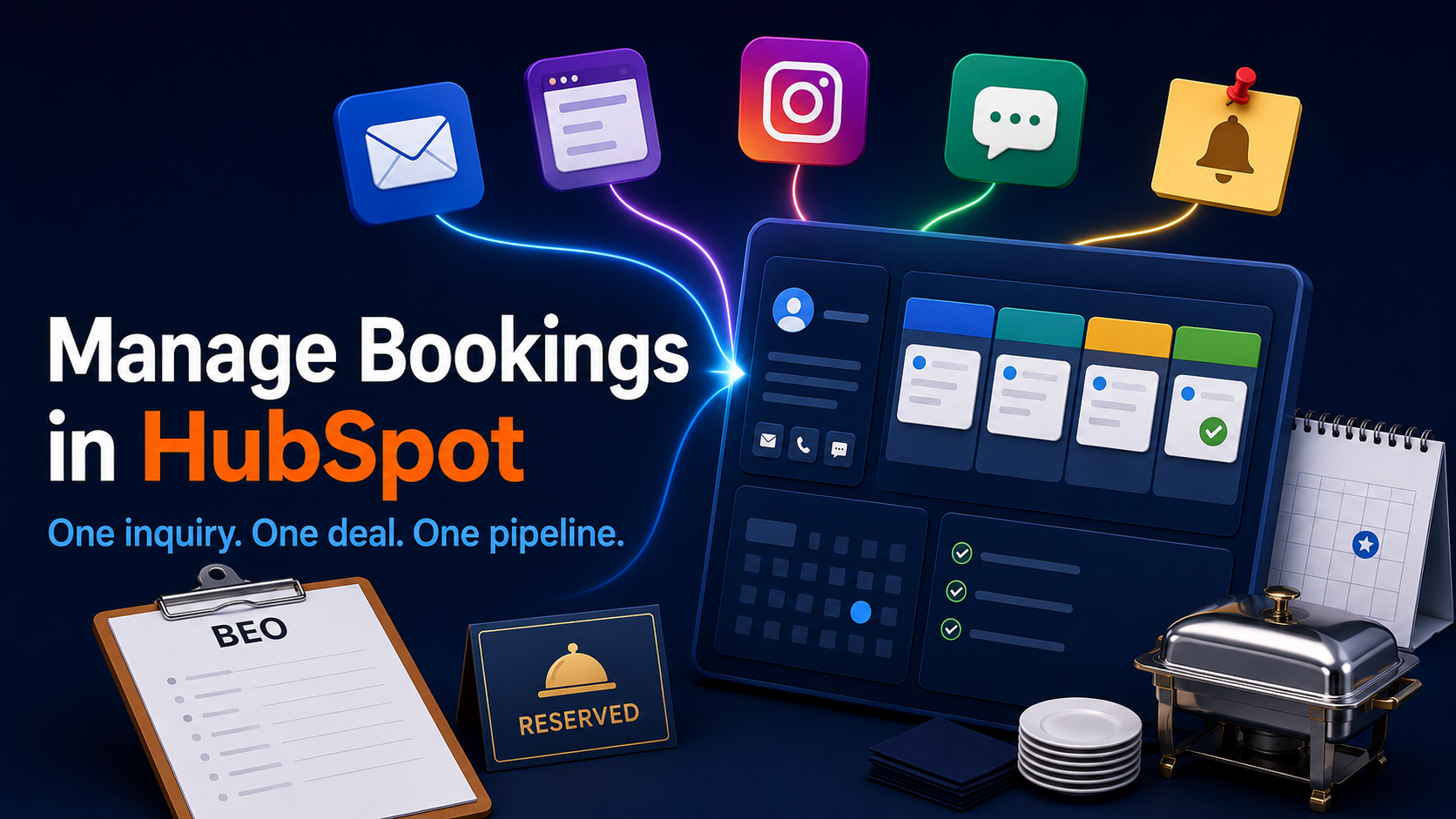
Catering businesses manage bookings in HubSpot by capturing each inquiry as a contact record and tracking each booking as a deal that moves through customizable pipeline stages, for example, inquiry, quote sent, deposit, booked, event complete. Follow-up tasks and reminders are automated with workflows, so each booking that needs an answer surfaces on its own. Because contacts, deals, and follow-ups all live in the same CRM that runs marketing and sales, the booking shares one system with the rest of the operation rather than sitting in its own tool.
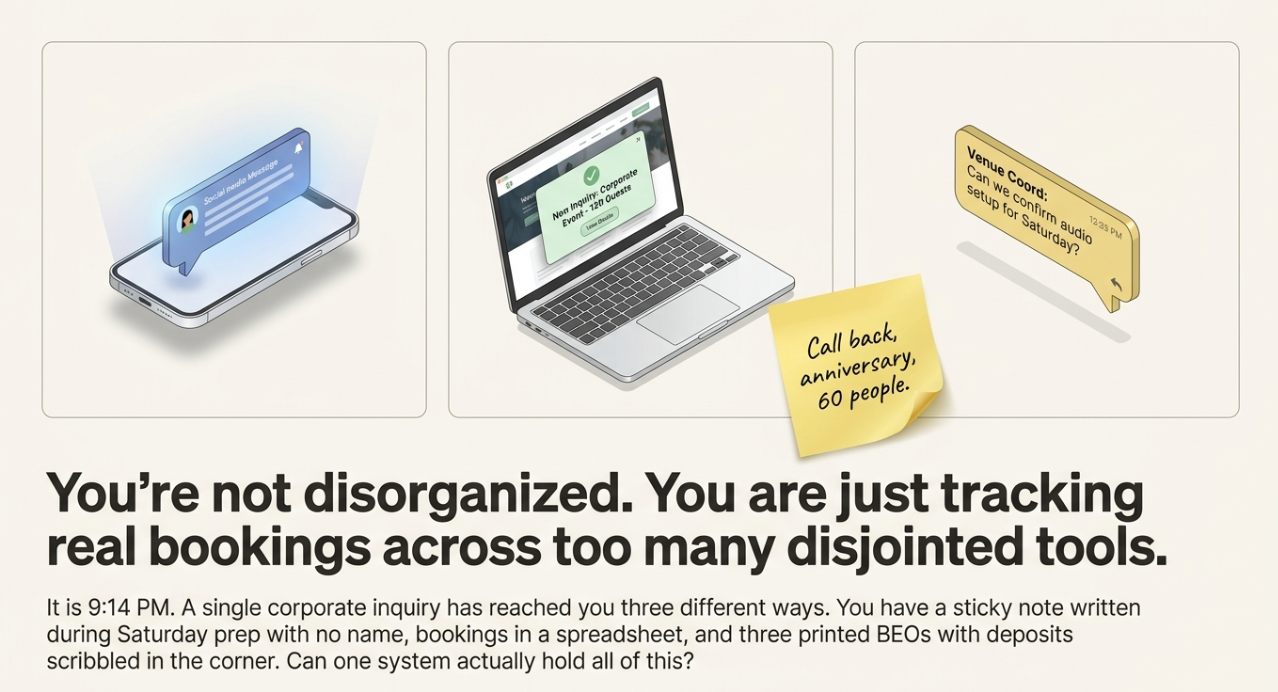
It's 9:14 PM. The same corporate inquiry has now reached you three ways: a DM on Instagram, a submission through your website contact form, and a text from the venue coordinator who referred them. You've half-answered one of the three. You can't remember which.
There's a sticky note on the counter, "call back, anniversary, 60 people", with no name, because you wrote it during prep on Saturday. Your bookings live in a spreadsheet, except the three that are still just printed BEOs with deposit amounts scribbled in the corner. Somewhere in there is a quote you sent eleven days ago that nobody followed up on.
You're not disorganized. You're tracking real bookings across email, a spreadsheet, and your catering tool, and none of them tell you the one thing you actually need at 9 PM: which booking needs an answer today. So the question you keep circling back to is simple: can HubSpot actually hold all of this in one place?
When the booking lives in three places, it lives nowhere
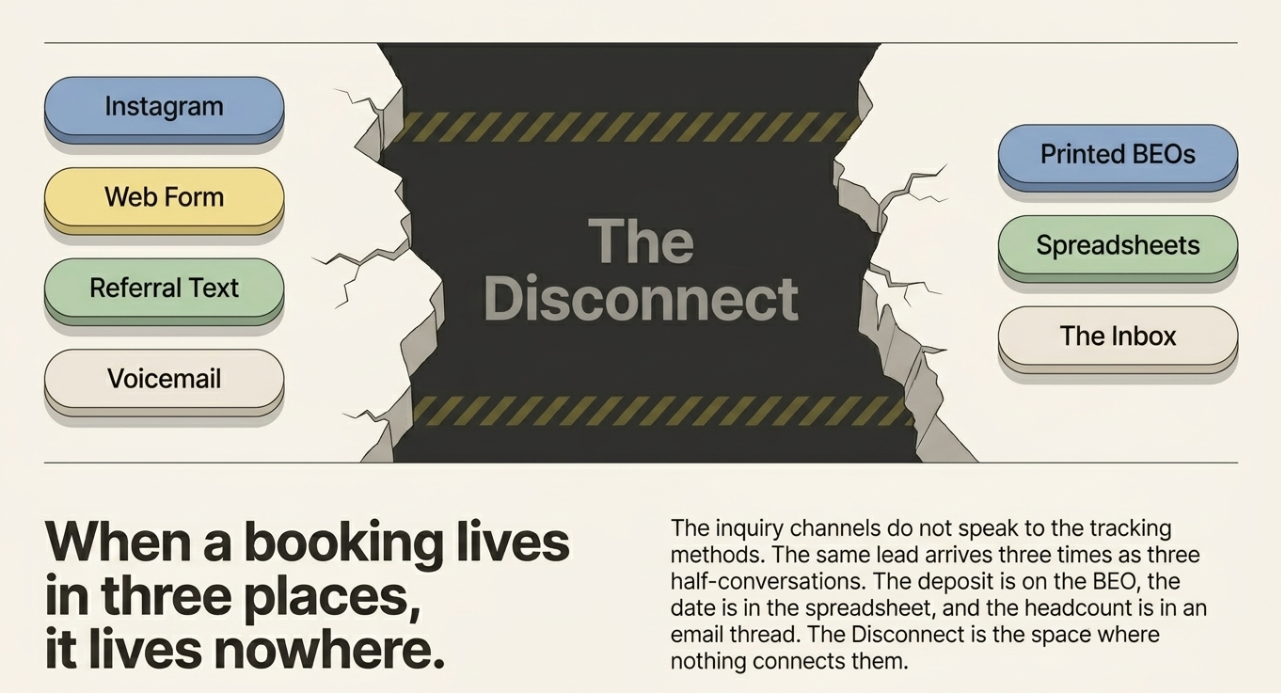
Here's the thing: the sticky note and the spreadsheet have in common: they each hold a piece of the booking, and none of them hold the whole thing. That gap has a name. It's The Disconnect, the space between your scattered inquiries, your follow-ups, and your bookings, where each lives in its own place, and nothing connects them. (Why catering inquiries go unanswered even when the inbox is being watched covers exactly how a booking slips through even when you're paying attention.)
Managing bookings in HubSpot is how that gap closes. Not because HubSpot is a fancier spreadsheet, but because it's the place the inquiry, the contact, the booking, and the follow-up can all live together. Before the how-to, it's worth being honest about why the old way keeps failing.
The inquiry channels are disconnected from each other. Instagram, the contact form, email, voicemail, the referral text, each lands somewhere different, and none of them know the others exist. So the same lead can arrive three times, and you'll treat it as three half-conversations.
The booking itself gets tracked in three places. The deposit amount is on the BEO. The event date is in the spreadsheet. The client's email thread is in your inbox. When the client changes the headcount, you update one of those three and forget the other two. By the time the kitchen needs the number, there are three numbers.
And there's no single view of what's still open. Your spreadsheet doesn't raise its hand and say "this quote is eleven days old." Your inbox doesn't flag the inquiry you started answering and abandoned when the chef walked in. Nothing surfaces the booking that needs an answer today, so the one that pays for the quarter is the one that quietly goes cold.
What a missed answer actually costs
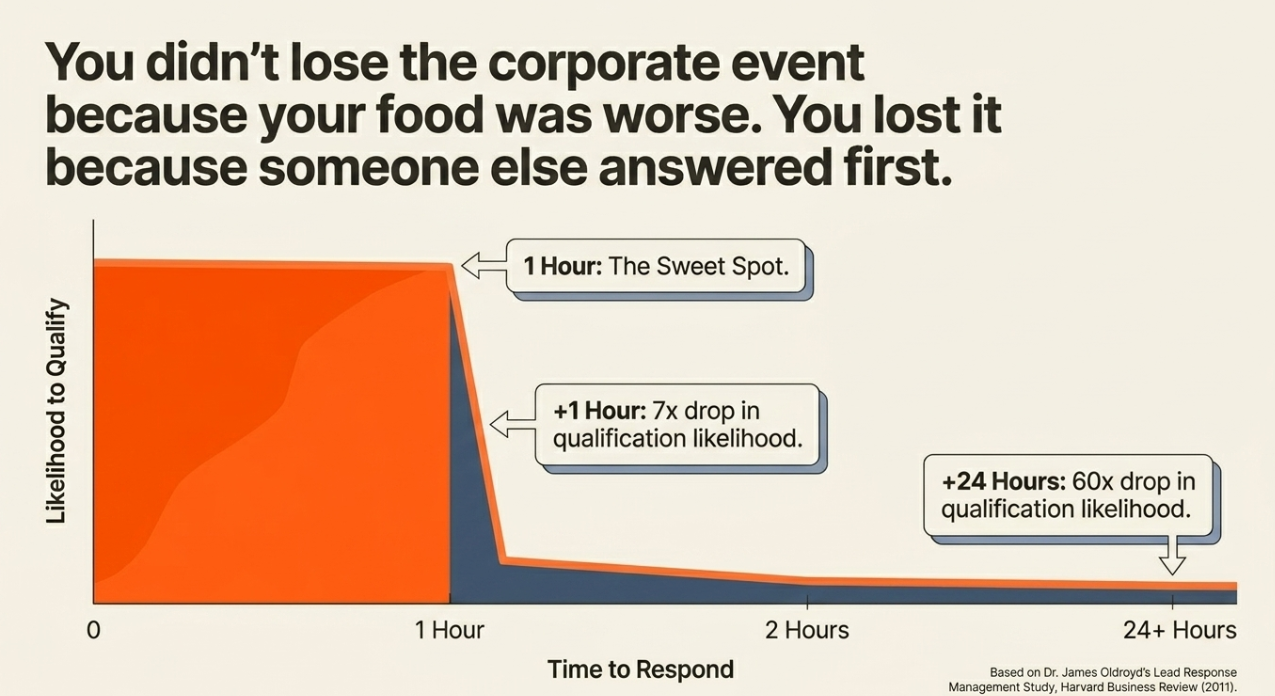
The cost isn't only the booking you lose. It's the speed you lose it at. The established research on inbound lead response, Dr. James Oldroyd's Lead Response Management Study, written up in Harvard Business Review in 2011, found that firms contacting a web lead within an hour were about seven times more likely to qualify it than those who waited just one hour longer, and roughly sixty times more likely than those who waited a day or more. That's cross-industry B2B data from the early 2010s, not a catering-specific figure, but the mechanism is exactly what plays out in your inbox. The corporate inquiry that arrived at 9 PM and got answered Tuesday afternoon wasn't lost because your food is worse. It was lost because someone else answered first.
For an owner-operator, that compounds into something heavier than a single missed event: the low-grade exhaustion of never being sure what you've forgotten. You answer fast when you happen to catch it, slow when you don't, and you carry the nagging sense that bookings are slipping past you, because some are, and you have no system that would tell you which. At higher volume, the same problem just scales: a mid-market caterer running 40 events a month isn't missing one inquiry; they're missing a predictable percentage of them, every month, invisibly.
What your booking flow looks like on HubSpot
Here's the concrete version: what running bookings on HubSpot actually involves, step by step.
1. The inquiry becomes a contact. A submission from your website form, or an email through a connected inbox, creates a contact record automatically. The Instagram lead, once captured, becomes the same kind of record. Every inquiry lands as a person you can see, not a notification you'll lose.
2. The booking becomes a deal. Each potential event is a deal attached to that contact. The deal holds the value, the date, the headcount, the notes, one place, not three. Change the headcount once, and it's changed everywhere that matters.
3. The deal moves through pipeline stages you define. HubSpot's pipeline stages are customizable; you set them to your own flow. A caterer's pipeline might run Inquiry → Quote sent → Deposit → Booked → Event complete. At a glance, you can see every booking and exactly what stage it's in.
4. Follow-up gets automated. Workflows can trigger a task or reminder when a deal sits too long in a stage, so the eleven-day-old quote raises its own hand instead of waiting for you to remember it. (Worth knowing: the basic CRM, contacts, deals, and a single pipeline are available on HubSpot's free tier, but the automated workflows and multiple pipelines sit in paid Sales Hub tiers. The automation isn't free out of the box.)
5. You get one view of every open booking. Instead of reconciling a spreadsheet against your inbox against a stack of BEOs, you open one pipeline and see the whole board.
That's the core of it. A caterer can build this on plain HubSpot today, by hand.
|
Catering Booking Pipeline Metrics and Stages
|
||
| Pipeline Stage | Action or Goal | Key Booking Stat |
| Inquiry | Inquiry becomes a contact record automatically via website form or email. | 7X (likelihood of qualifying if contacted within 1 hour) |
| Lead Qualification | Initial contact and qualification of the inbound web lead. | 60X (likelihood of qualifying compared to waiting a day) |
| Quote Sent | Each potential event is tracked as a deal with value, date, and headcount. | 11 (days a quote might sit without follow-up) |
| Booked | The booking is confirmed, and all details are centralized in one system. | 40 (events per month for mid-market caterers) |
| Event Complete | The event is successfully executed, and the lifecycle is finished. | 100% (data unification in CRM) |
| Unified System | Transitioning from spreadsheets/BEOs to a single source of truth. | 3 (typical number of disconnected places data lives) |
| Sales Hub Tier | Access to automated workflows and multiple pipelines. | 0 (cost for basic CRM) |
| Deposit | Securing the booking with a deposit payment. | Not in source |
| Follow-up Automation | Workflows trigger tasks or reminders for aging deals. | Not in source |
The HubSpot-native advantage
Notice what just happened in that walkthrough: the booking never left the system your marketing and sales already run on. That's the real point. When the booking is a HubSpot deal, it shares a platform with the marketing that generated the lead and the sales activity that worked it. That's Stack Unification: marketing, sales, and catering operations on one platform, talking natively rather than through fragile integrations. (The HubSpot-native catering platform explains what that means in full.)
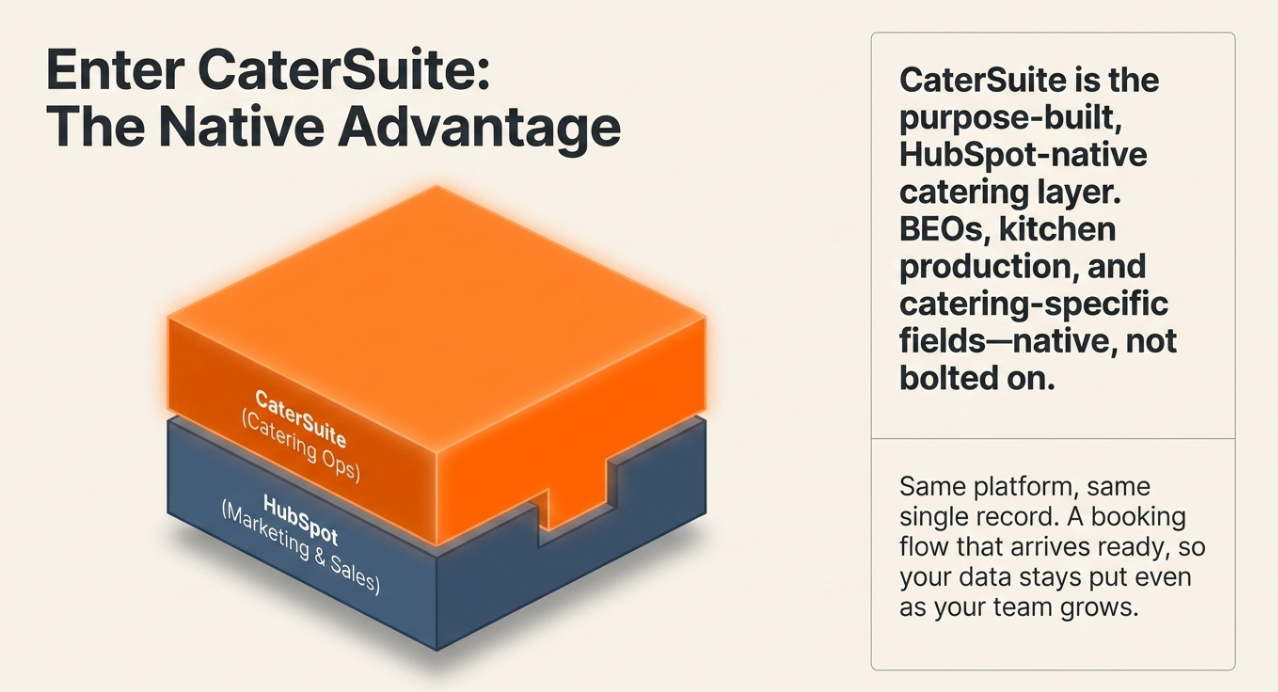
But here's the honest limit of doing it by hand. Plain HubSpot gives you contacts, deals, pipelines, and workflows, powerful, general-purpose building blocks. It does not, out of the box, know what a BEO is. It doesn't have catering-specific fields, kitchen and production coordination, or the event structures a caterer actually runs on. You can approximate those by hand-building custom properties and objects, and plenty of caterers do. It works, but it's a setup you assembled, not a system built for your trade.
CaterSuite is the purpose-built HubSpot-native catering layer that closes that gap: BEOs, kitchen and production, catering-specific fields, all native to HubSpot rather than bolted on by hand. Same platform, same single record, but built for catering instead of approximated. That's the difference between a booking flow you engineered yourself and one that arrives ready: every inquiry, booking, contact, follow-up, and quote in one place that stays put even as people change roles. That's what One System That Remembers looks like in practice.
For the fuller picture beyond bookings, the whole event lifecycle and the automation around it, there's a companion piece on how catering companies use HubSpot to manage the full event lifecycle. This guide stays on the booking.
The recommended path
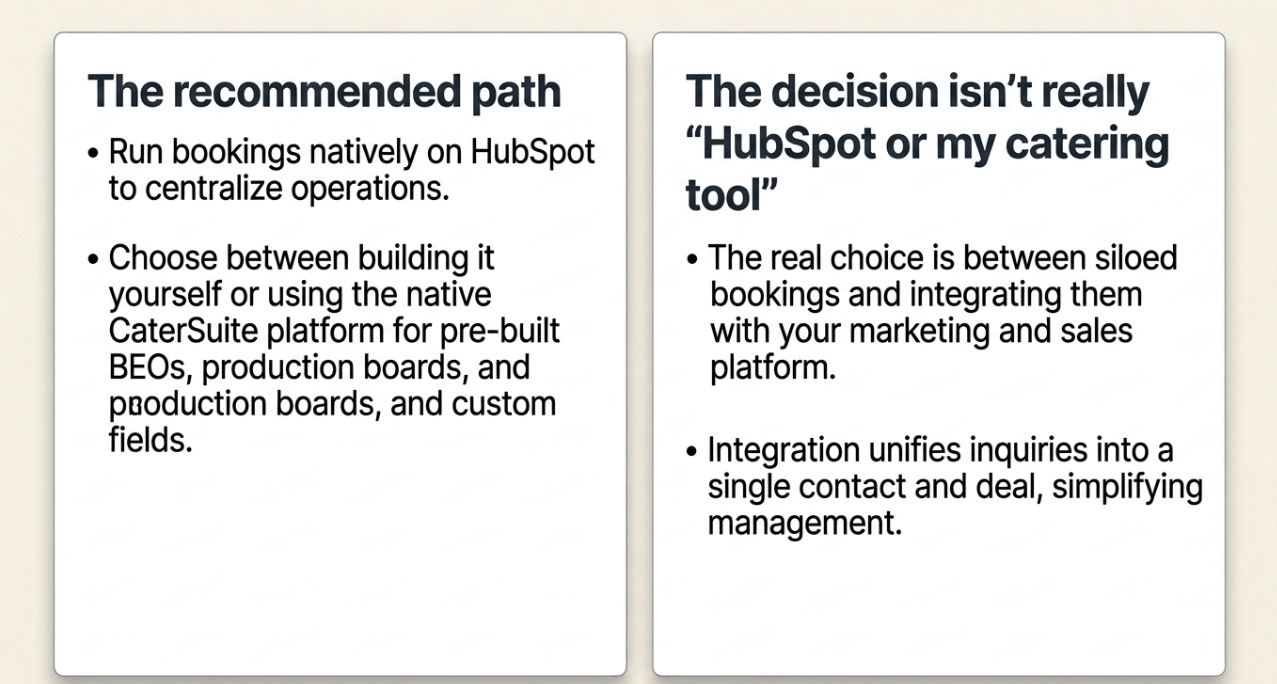
If you're already on HubSpot, or your marketing or sales is moving there, the native way to run bookings isn't a workaround. It's putting the booking where the rest of your operation already lives. You can build it yourself with the steps above, or start from the HubSpot-native catering platform built for it, where the BEOs, the production board, and the catering-specific fields are native rather than hand-assembled.
The decision isn't really "HubSpot or my catering tool." It's whether the booking should keep living on its own island, or join the platform your marketing and sales already run. Once it joins, the inquiry that arrived three ways at 9 PM lands as one contact, becomes one deal, and stops being something you have to hold in your head.
The CaterSuite perspective
The belief behind CaterSuite is that a booking shouldn't live in its own tool. A booking is the moment marketing's lead becomes sales's deal becomes operations' event; it touches all three functions, so it belongs on the platform all three already run. When the booking sits in a standalone catering tool, you've taken the one record that connects your whole operation and walled it off from the operation. Putting it on HubSpot isn't about features. It's about refusing to keep the most connective thing you have disconnected from everything around it.
FAQ
Can you manage catering bookings in HubSpot? Yes. Each inquiry becomes a contact record, and each booking becomes a deal that moves through pipeline stages you customize: inquiry, quote, deposit, booked, event complete. Follow-up tasks can be automated so aging bookings surface on their own. The basic CRM, contacts, deals, and a single pipeline are free; automated workflows require a paid Sales Hub tier.
How do you track a catering booking in HubSpot? You track it as a deal attached to the client's contact record. The deal holds the value, date, headcount, and notes in one place, and you move it through your pipeline stages as the booking progresses. One pipeline view shows every open booking and the stage it's in, replacing the spreadsheet-plus-inbox-plus-BEO scramble.
Does CaterSuite work for caterers who already use HubSpot? Yes, CaterSuite is built on HubSpot. If your marketing or sales already runs on HubSpot, catering operations join the same platform without integrations. An inquiry from a Google form lands in the same place as a referral from your sales team and a request from a HubSpot workflow. One contact record. One pipeline. One source of truth across marketing, sales, and operations.
What's the difference between using plain HubSpot and CaterSuite? Plain HubSpot gives you general-purpose contacts, deals, pipelines, and workflows; you can hand-build a booking flow on them. CaterSuite is the purpose-built HubSpot-native catering layer: BEOs, kitchen and production coordination, and catering-specific fields native to HubSpot rather than approximated with custom properties. Same platform, but built for catering instead of assembled by you.
Can HubSpot automate catering follow-ups? Yes, through workflows that trigger tasks, reminders, or property updates when a deal changes stage or sits too long. That's how an aging quote raises its own hand. Note that workflow automation lives in paid Sales Hub tiers, so the fully automated follow-up flow isn't available on the free CRM alone.
Do I need to replace my catering software to use HubSpot for bookings? Not necessarily, but the question worth asking is whether you want the booking to keep living separately from your marketing and sales. Running bookings on HubSpot puts them on the same platform as everything that leads up to and follows from them. CaterSuite makes that native for catering specifically, rather than asking you to maintain integrations between separate tools.
See bookings live where your operation already runs
If your inquiries scatter across channels and your bookings live in three places at once, the unified booking and inquiry system puts the inquiry, the deal, and the follow-up on the platform your marketing and sales already use, so the booking that needs an answer today stops hiding from you.
Leave a Comment